
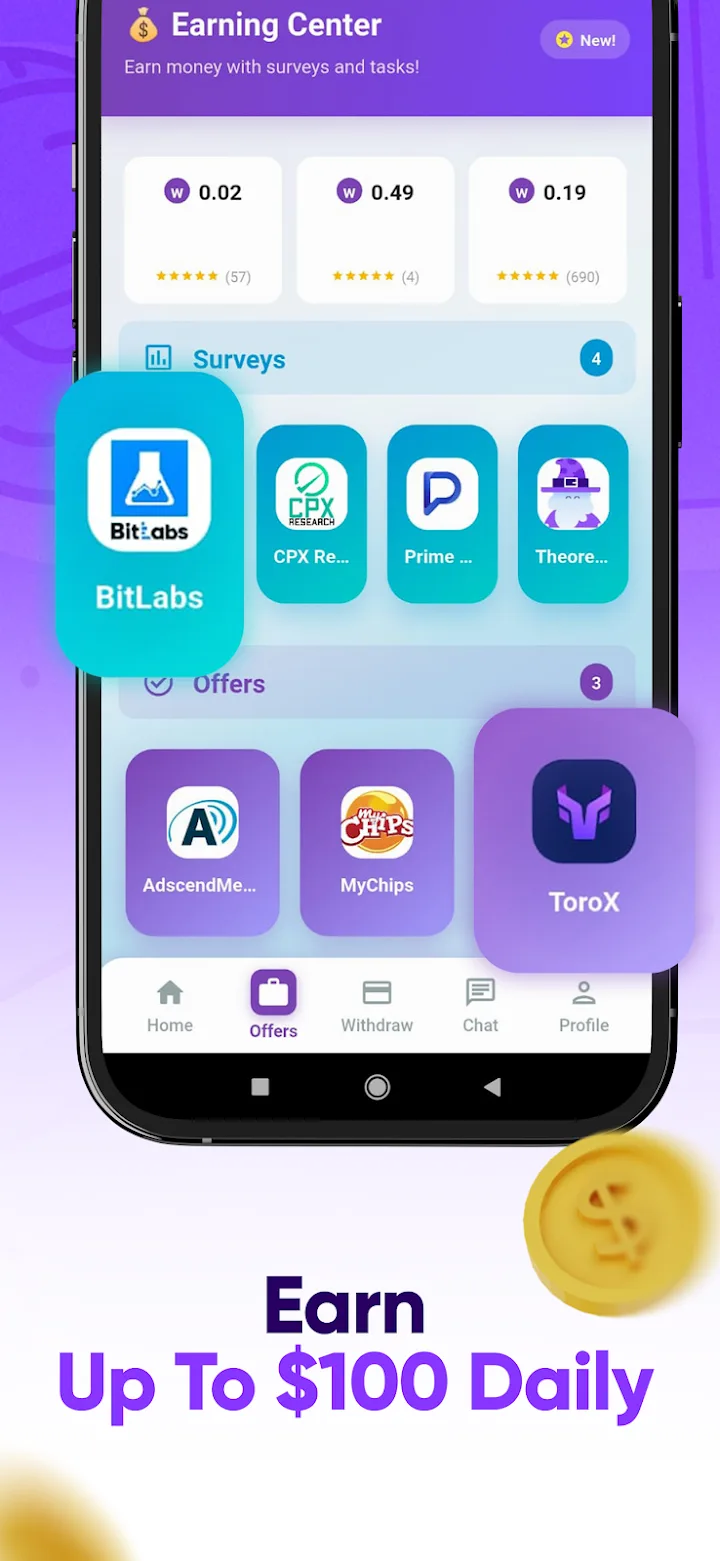

Winero: Earn Money Surveys
Earn cash and gift cards by completing surveys, quick tasks and games. Simple, free and fast.
Mount SFTP, FTP/FTPS and S3 storage as native drives in macOS Finder. No macFUSE, no kernel extensions, no password prompts.
ZyDisk turns remote servers and object storage into ordinary drives on your Mac. Open, edit and save files on an SFTP server or an S3 bucket in Finder, VS Code or Terminal, as if they were on your own disk.
It uses the proven rclone engine and macOS's built-in NFS client, so it needs no macFUSE, no kernel extensions and no lowered security settings on Apple Silicon.
ZyDisk is source available on GitHub under the PolyForm Noncommercial License 1.0.0. It is free for personal use, study, research and non-profit organizations. Commercial use, including use at work or inside a company, requires a license: write to contact@conaksoft.com.
More work
Earn cash and gift cards by completing surveys, quick tasks and games. Simple, free and fast.
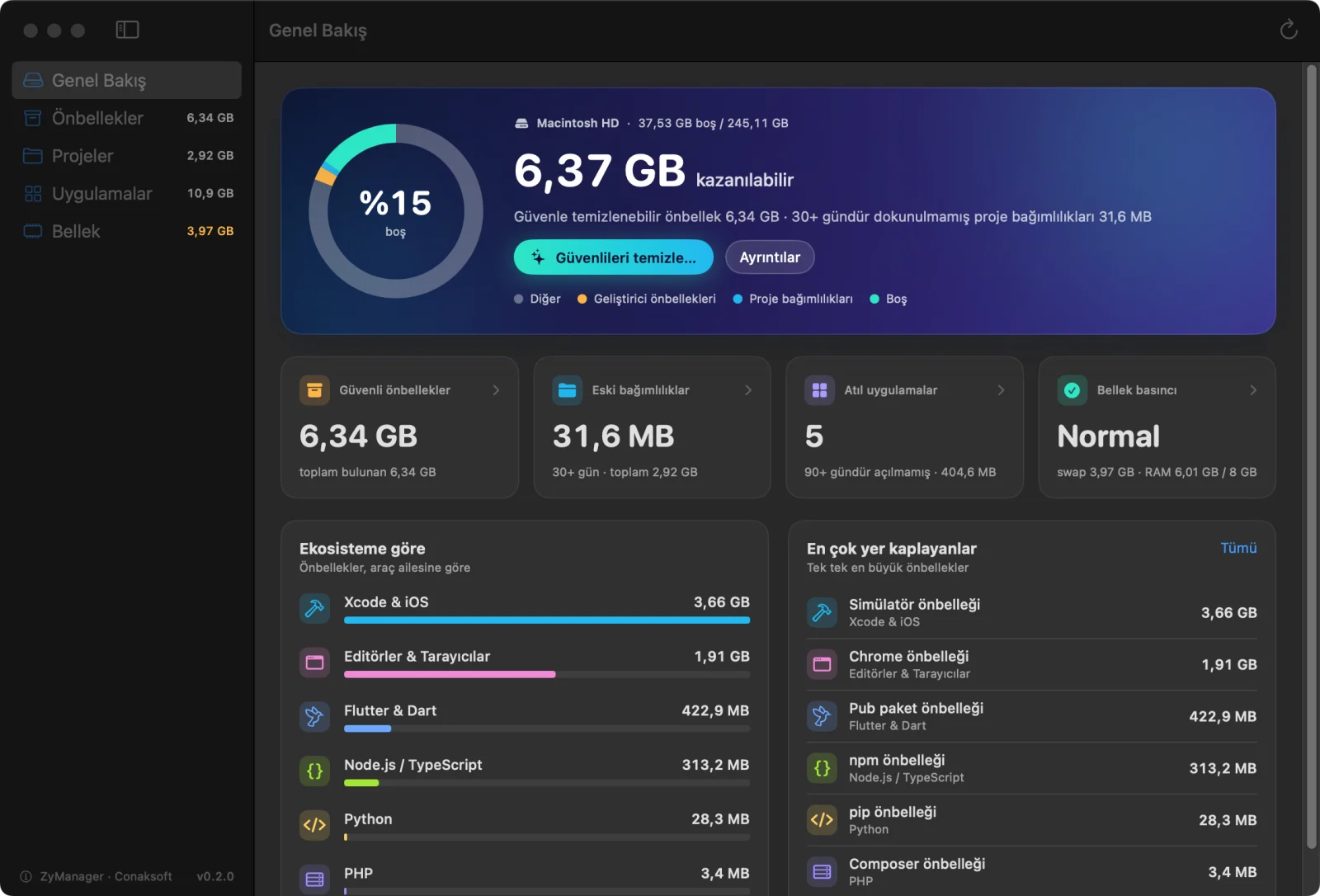
A native macOS app that safely cleans developer caches and stale project dependencies, removes apps with their…
We’d love to hear about your app idea. Let’s figure out the fastest path to a great launch.